For founders and small teams
Fewer email tools.
More time to build.
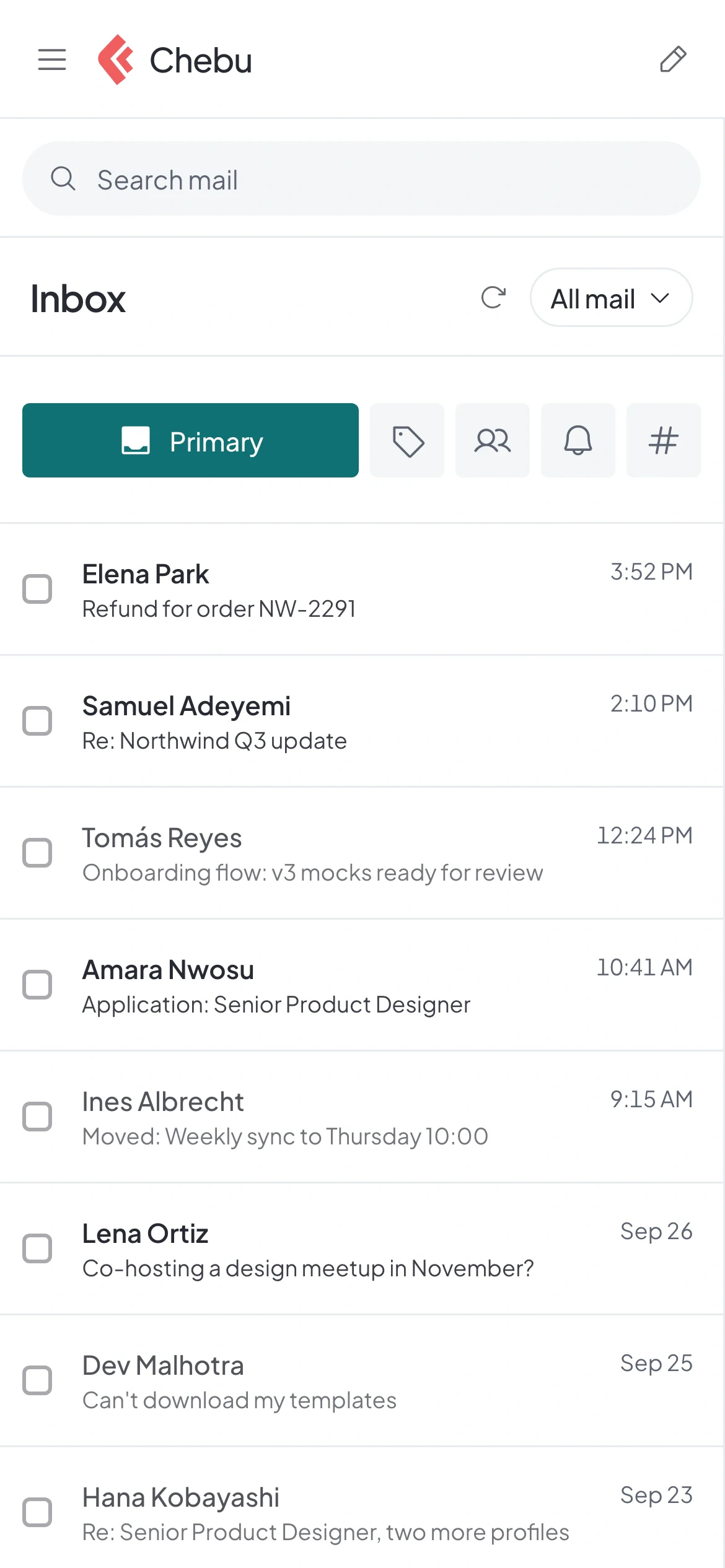
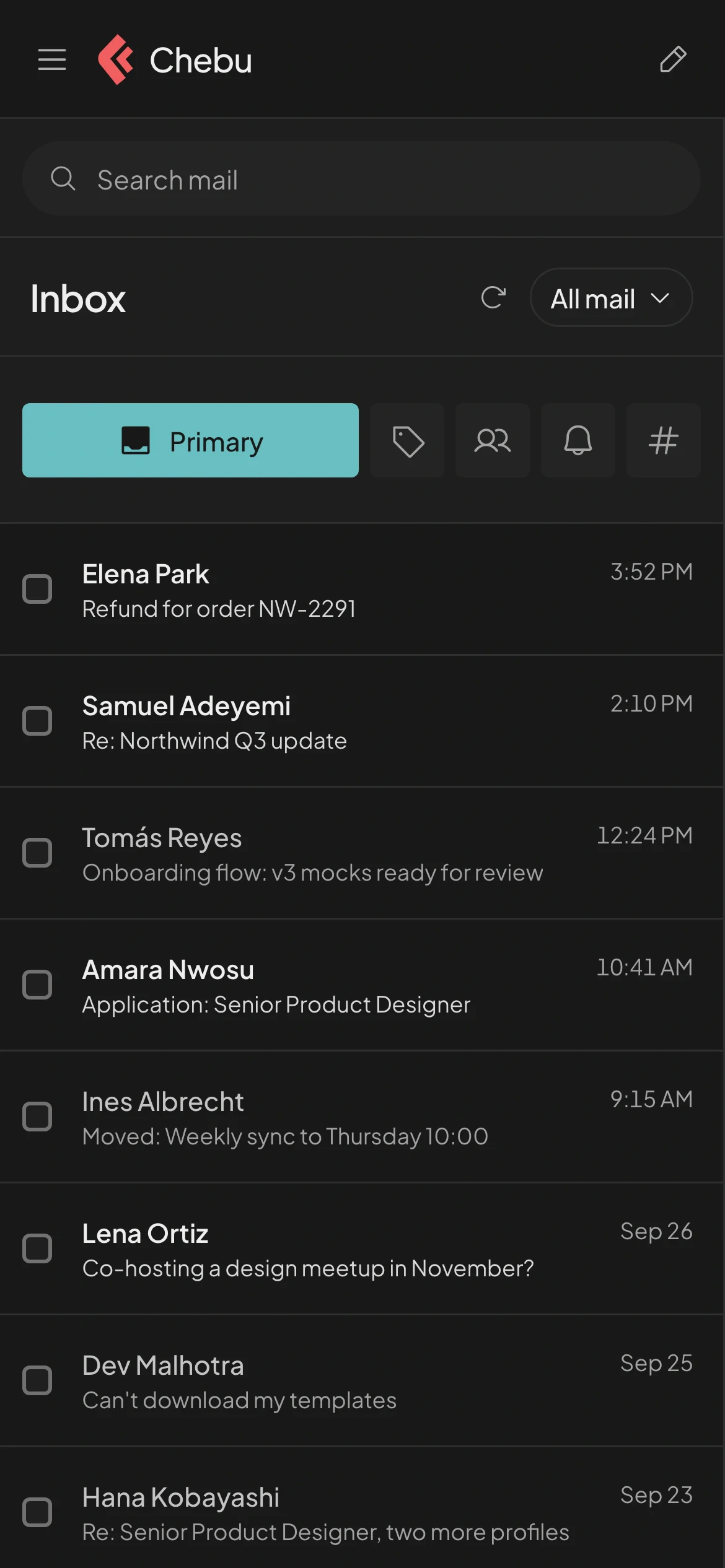
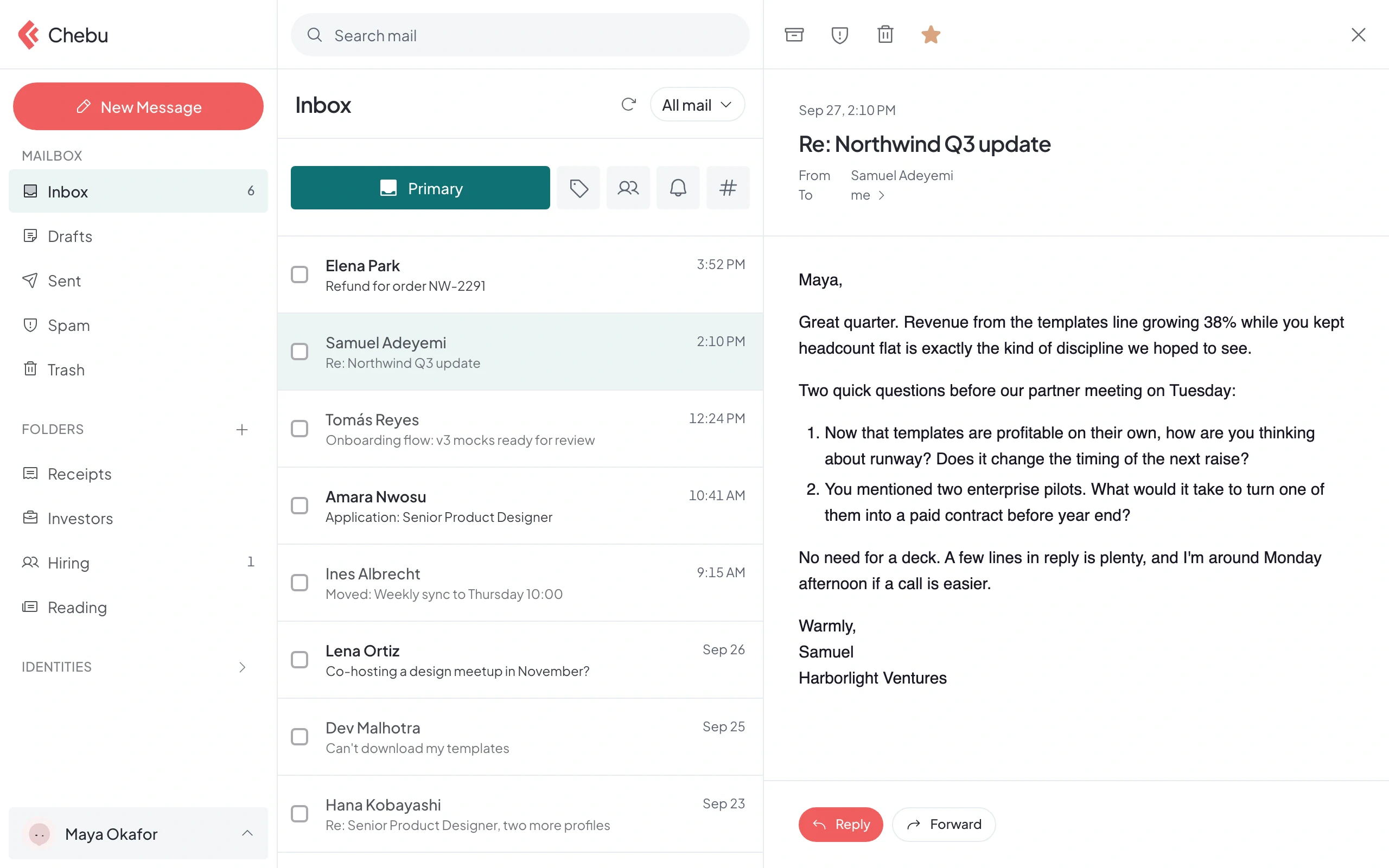
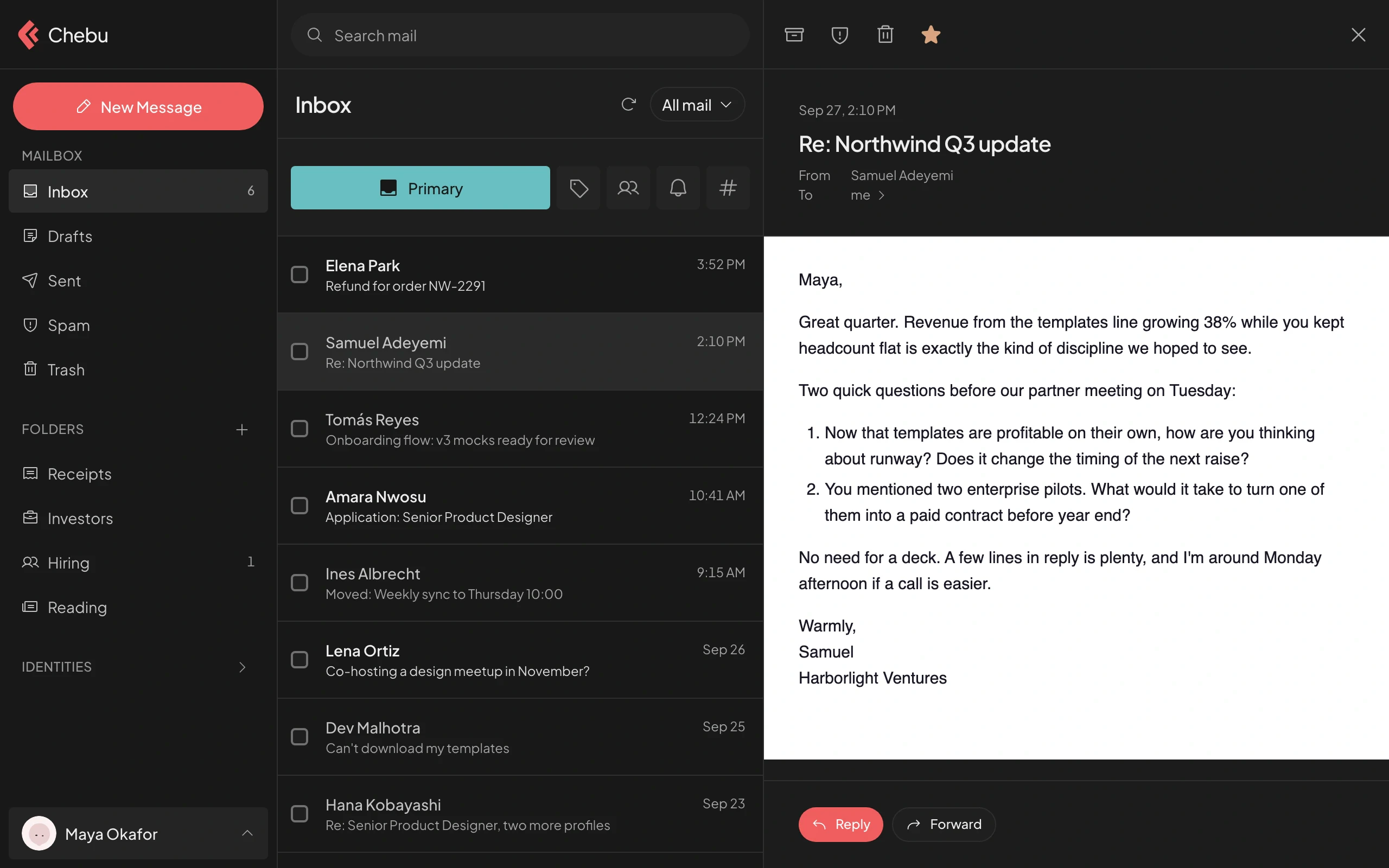
Personal, company, and team email in one inbox.
Works with the mail apps you already use
- Apple Mail
- Outlook
- Thunderbird
- iOS Mail
- Android
- Any IMAP app
Unified inbox
Stop switching between inboxes.
Your own address, your company addresses, and support@ all land in one place.
- Personal, company, and shared mail in one list
- Every message tagged with the address it came to
- Replies go out from the right address
Everything your email needs. Nothing it doesn't.
- Unified inboxEvery address you use, in one list.
- Shared inboxessupport@ and hello@ for the whole team.
- Custom domain emailyou@yourbusiness.com, set up in minutes.
- Smart sortingCategories and folders, filled for you.
- SearchFind any message across every account.
- Works with mail appsIMAP and SMTP for any client.
- Import mailBring your old mailbox with you.
- App emailAPI and SMTP relay for your product.
For developers
Your app sends from your domain, too.
- REST API and SMTP relay from your own domain
- Signed webhooks for delivery, bounces, and clicks
- Works with Resend SDKs: change the base URL
curl -X POST https://api.chebu.io/emails \
  -H "Authorization: Bearer $CHEBU_API_KEY" \
  -H "Content-Type: application/json" \
  -d '{
    "from": "Northwind <receipts@northwind.studio>",
    "to": ["maya@example.com"],
    "subject": "Your receipt #1042",
    "html": "<p>Thanks for your order.</p>"
  }'
Getting started
Up and running in an afternoon.
- 1
Create your account
Your @chebu.email inbox is ready the moment you sign up.
- 2
Connect your domain
Copy the records Chebu lists. It checks them for you.
- 3
Bring your team
Add mailboxes and share support@ with the people who answer it.
Who it's for
Built for people who wear every hat.
FAQ
Questions, answered
What is Chebu?
Chebu is built for founders and small teams. It holds your personal inbox, your company addresses, and shared team inboxes in one place. It works alongside the tools you already use.
How do I connect my domain?
Add the domain in Chebu and copy the MX, SPF, DKIM, DMARC, and verification records it lists into your DNS provider. Chebu compares them with what is live and shows when each one is ready. If you already have an SPF record, it tells you what to merge into it.
Can I keep using Apple Mail, Outlook, or Thunderbird?
Yes. Chebu supports IMAP and SMTP, so any standard mail client can connect, including the mail apps on iOS and Android. Use a separate app password for each one. You can revoke an app password at any time without changing your main password.
How do I protect my account?
Turn on a passkey or two-step verification with an authenticator app, and add a recovery email in security settings. Use app passwords for mail apps instead of your main password.
Spend less time in email tools.
Set up your inbox, your domain, and your team in one sitting.